Data Center Relocation Checklist: Moving AI-Ready Infrastructure
Relocating a data center is never just a move. If you are planning a build-to-suit relocation tied to AI density upgrades, an expansion or a colocation transition, you are managing two mission-critical priorities at once: protecting your IT infrastructure and maintaining uptime. Your checklist needs to cover both without leaving gaps, especially when the move includes a full data center migration that must safeguard business operations.
Understanding the details that drive success is key: serialized asset control, secure chain of custody, schedule protection, data security and downtime minimization. Build a clear migration plan, align stakeholders and document every phase from deinstallation through placement at your new data center location.
Key Takeaways
- Watch for trigger signals like power or cooling constraints, refresh cycles or footprint changes, then set a planning timeline before urgency forces decisions
- Build your source-of-truth package and phased plan
- Execute cutover and closeout with control: validate against baselines, resolve exceptions and finalize custody logs and updated asset records
When to Start a Data Center Relocation Plan
Many relocations start too late because the tipping point is easy to dismiss until it becomes urgent. If you want a controlled timeline, fewer surprises and a successful data center migration, begin planning as soon as you see any of these signals.
Capacity and Power or Cooling Limits
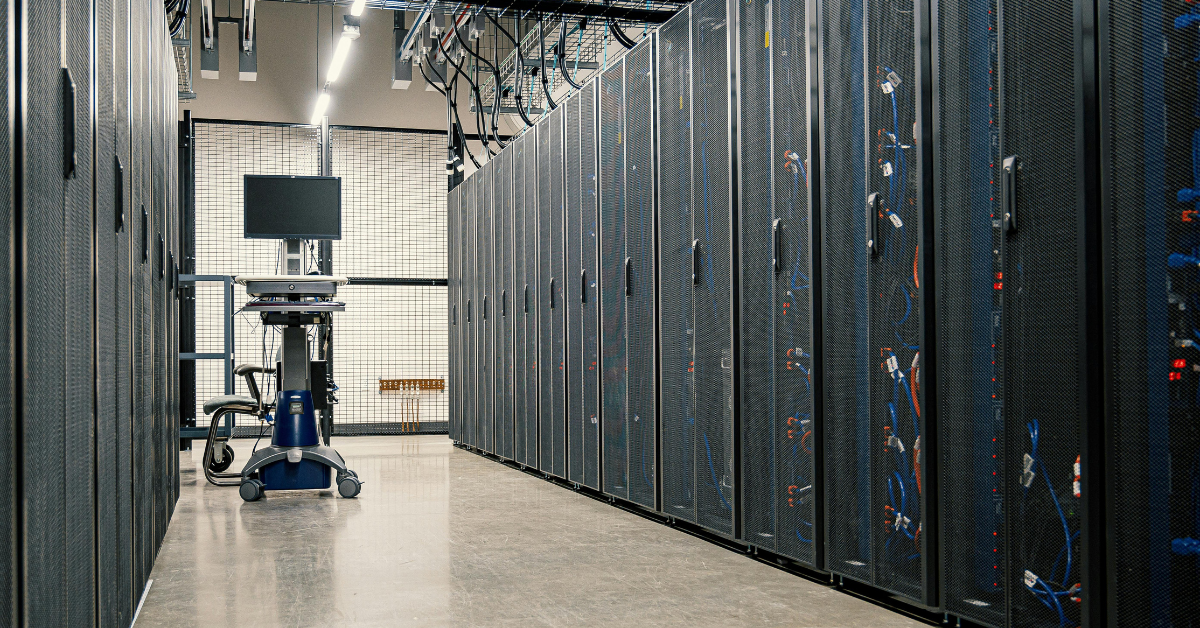
AI-ready environments push power density and thermal loads to the limit. If your current space is running out of power headroom, cooling capacity or safe rack density, you are already on a countdown. You might be stable today, but you may not be able to scale safely next quarter.
Refresh and Upgrade Timing
Relocations go smoother when you align them with hardware refresh cycles. If you are adding high-density racks, rebalancing workloads or changing your rack strategy, it is often the right time to move. You can consolidate legacy equipment, reduce repeated handling and design the destination layout around how you plan to operate going forward.
Business Drivers and Footprint Changes
Expansion, new builds, phased deployments or moving closer to users and customers can all trigger a relocation. Colocation transitions can accelerate timelines too, since access rules, delivery windows, staging space and multi-vendor coordination often change at the same time. The earlier you lock the plan, the easier it is to protect the schedule later.
Step 1: Pre-Move Discovery for Data Center Infrastructure
A relocation is only as strong as your discovery work. If you rush this step, you will feel it later through missing hardware, broken dependencies and decisions made under pressure.
Asset Inventory and Location Mapping
Start with a serialized inventory and a rack-level map. Your goal is a single source of truth that tells you what data center equipment you have, where it is and what condition it is in at any moment.
Build your inventory around:
- Serial numbers and asset tags
- Rack and U position (current and planned destination)
- Owner, environment and criticality
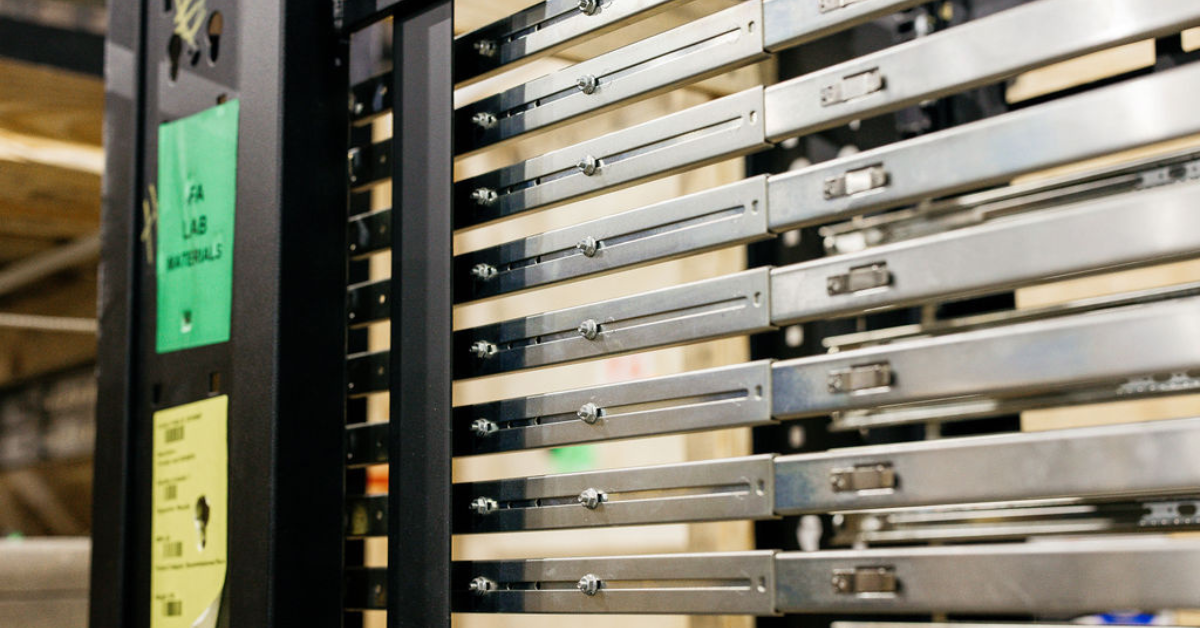
- Accessory requirements (rails, PDUs, optics, cable packs)
- Deinstall constraints (maintenance windows, approvals, change control)
If you are planning a staged deployment or interim storage, use a consistent method to track assets through receiving, staging and placement. Asset control should be part of your relocation plan, not an afterthought.
Define Risk Tiers and Downtime Windows
Finally, classify systems into tiers and set acceptable downtime windows. Simple categories work well:
- Tier 1: Must-not-fail, minimal downtime, strict change control
- Tier 2: Controlled downtime allowed with rollback
- Tier 3: Can be rebuilt, replaced or moved last
Tie each tier to clear rules: allowable downtime, rollback requirements and decision owners. These definitions serve as your reference point when trade-offs arise during execution.
Step 2: Security and Chain-of-Custody Planning
Security is not a line item. It is a workflow. If your relocation involves high-value IT assets, you need a process that proves control at every handoff.
Chain-of-Custody Protocol
Define custody rules before you touch a rack. A strong chain-of-custody protocol includes:
- Who is authorized to handle and sign for assets
- Tamper-evident methods and seal control for high-value equipment
- How custody changes are recorded and verified
Chain-of-custody also depends on shared expectations. Everyone should know what controlled handling means in your environment and which documents must exist at each step.
Data Protection Readiness
Before any decommissioning or transport, confirm you have verified backups and restore points. Data protection means validating that:
- You test the restore process
- You align the restore point with your planned cutover window
- You can recover priority workloads within your required time
Disposition Planning When Applicable
If you are retiring assets, build disposition into the plan early. Many teams underestimate the time and coordination required for e-waste and certified destruction of retired assets or media. Treat it as a parallel workstream with its own approvals and documentation.
Step 3: Build the Migration Timeline: Phases, Windows and Rollback
Building a timeline is the core of your migration plan. Without phases and decision gates, the work will drift until something breaks. Your goal is a realistic, enforceable and easy-to-govern timeline that supports ongoing data center operations throughout the transition.
Create a Phased Plan With Checkpoints
A common structure looks like:
- Pilot Move: Validate procedures, timing, packaging and documentation
- Staged Waves: Move in controlled groups aligned to dependency tiers
- Cutover: Execute the final transition with rollback readiness
- Stabilization: Validate performance and close out documentation
For each phase, define what “pass” looks like and what triggers a pause. That is how you protect uptime.
Align Delivery Windows to Install Schedules
In build-to-suit environments, sequencing is everything. Unplanned arrivals create congestion, increase handling risk and slow the build. Schedule deliveries to match install readiness, not the other way around.
Plan for:
- Delivery windows tied to on-site readiness
- Sequence requirements (what must land first)
- Constraints such as access rules, elevator availability and staging space
This is the stage where data center relocation specialists can make a measurable difference. The best outcomes come from logistics designed around your install schedule, not generic transport timing.
Step 4: Physical Logistics for AI-Ready Hardware
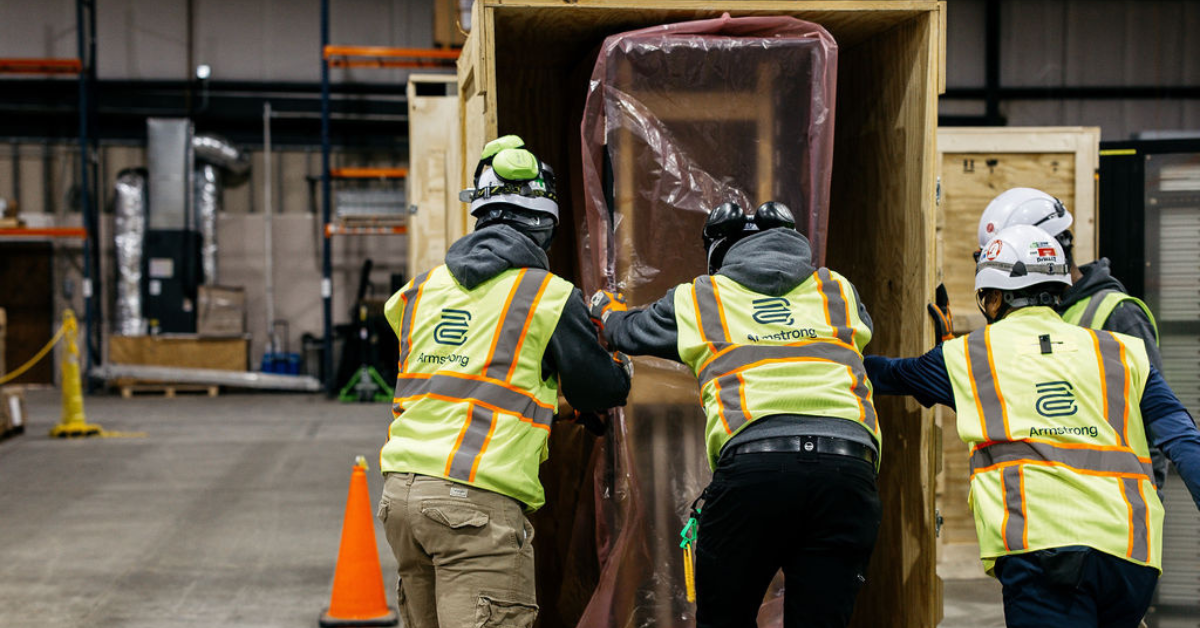
AI-ready infrastructure raises the stakes. High-density racks and sensitive arrays demand careful handling, controlled custody and visibility. When evaluating support partners, prioritize repeatable processes and documented controls.
High-Security Rack and Server Handling
AI-ready moves often involve heavy racks and high-value systems. Your logistics plan should spell out handling standards clearly:
- Who handles what and when
- How is equipment protected at each handoff
- How exceptions are documented and resolved
If you use data center migration tools (asset tracking, chain-of-custody logs, reporting dashboards or internal CMDB workflows), confirm they will be updated during each handoff, not after the fact.
Step 5: Site Readiness: Build-to-Suit Acceptance Checklist
Site readiness is where many relocation plans fail quietly. A destination can look almost ready, only for a simple access constraint to delay placement for hours or days. Pre-site surveys and path planning help you avoid that.
Pre-Site Surveys and Path Planning
Before move day, validate the physical path from arrival to final placement:
- Loading areas and receiving routes
- Doorways, elevator clearances and turns
- Floor and load considerations for heavy racks
- Staging zones and traffic flow to avoid congestion
Receiving and Staging Plan
Define how assets will be received, staged and released for installation. A clear receiving plan prevents bottlenecks and keeps teams aligned when multiple vendors are delivering.
Kitting and Sequencing for At-Ready Installation
For build-to-suit deployments, staging and kitting can determine whether the jobsite stays orderly. Sequence materials and equipment to match the deployment plan so that what arrives is what installers are ready to place. This step reduces re-handling and supports clean custody records.
Step 6: Cutover Execution, Validation, Closeout, Documentation and Handoff
Cutover is where planning becomes execution. Your goal is to run the move with minimal downtime, keep control on move day and confirm systems are operating as expected immediately after placement so business operations stay protected.
Just-in-Time Placement and Day-of Control
On cutover day, keep the focus on coordination and accountability. Place assets in the planned install order, capture receiving and placement sign-offs at every handoff and log exceptions immediately so you can resolve them before the next wave. For phased deployments, run each wave as its own execution window with a clear checklist, approvals and a go/no-go decision.
Post-Move Validation
Tie validation back to the baselines captured in discovery. At a minimum, confirm:
- Performance against pre-move benchmarks (latency, throughput, compute)
- Availability and service health for tiered systems
- Network and storage integrity for dependent workloads
Your team defines what good looks like, then times validation to happen as soon as placement and connectivity work are complete.
Closeout, Documentation and Handoff
Closeout includes cleanup, final receiving and inspection reporting, exception resolution and updated asset records. Confirm your documentation package is complete, including serialized asset-tracking updates from source to destination, chain-of-custody and seal-control records, receiving and inspection reports and placement confirmation aligned with your rack maps.
If you staged hardware for phased deployment, set clear governance for access, custody, inspections and change tracking across future waves. Then, update your runbook with lessons learned for the next phase.
Make Your Build-to-Suit Move Smoother From Day One
A build-to-suit relocation succeeds when your data center migration project combines security, sequencing and schedule protection, not just transportation. Use this checklist to define phases and decision gates, reduce downtime risk and maintain tight asset control from deinstallation through placement for a successful data center relocation and a smooth transition.
Explore Armstrong’s data center solutions to support secure transport, sequenced delivery, staging and on-site placement for your next phased deployment.